
Secure Database Management
Modern, graphical-based solutions to manage NonStop SQL and Enscribe databases.
SQLXPress
An Integrated set of Management Tools for HPE NonStop SQL Databases.
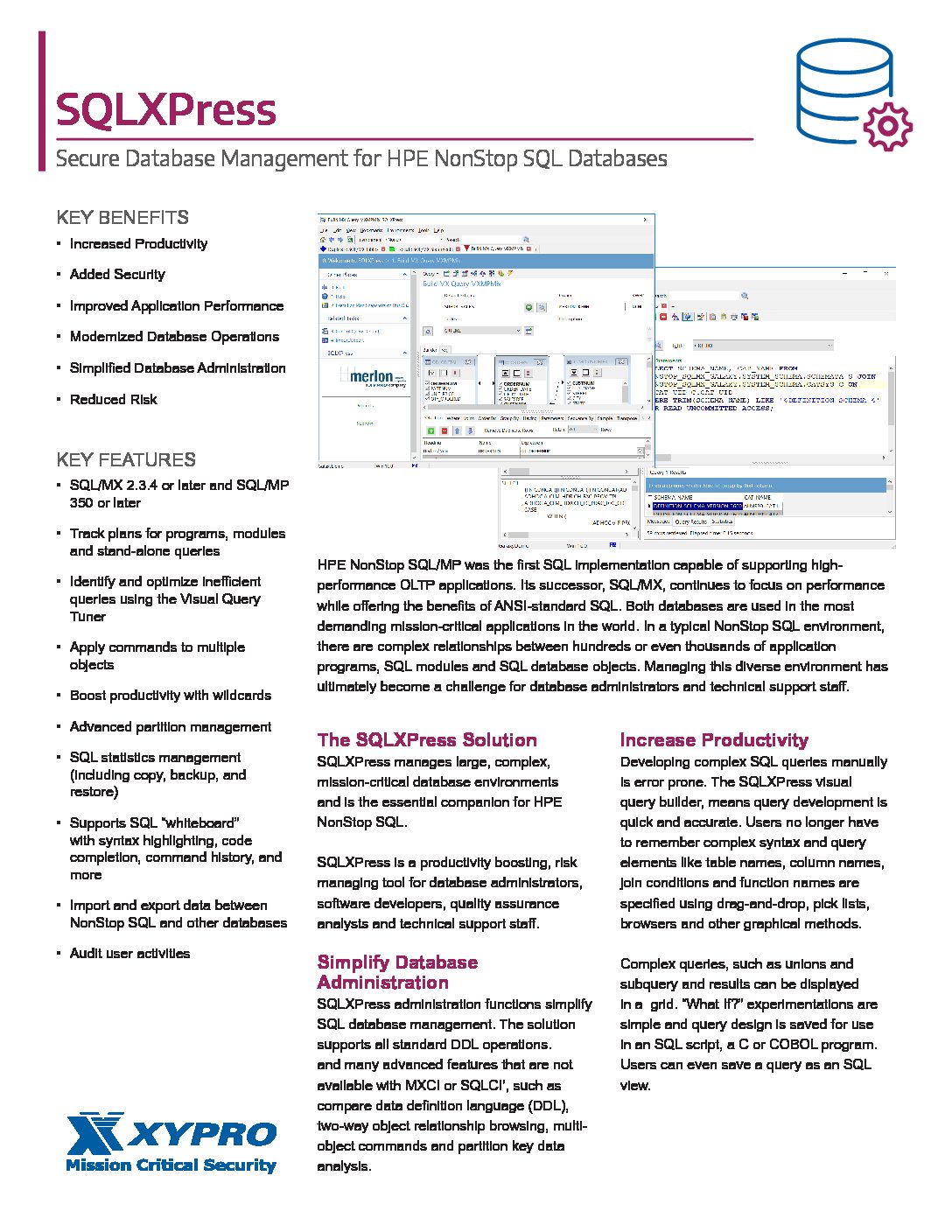
SQLXPress is an easy-to-use Windows based Graphical User Interface for comprehensive management of HPE NonStop SQL databases. It has a modular architecture and can be configured to support SQL/MX, SQL/MP, or both.
SQLXPress provides comprehensive support for managing large, complex database environments. The solution is an essential companion product for NonStop SQL. It is an integrated set of tools specifically designed to work with SQL/MX version 2.3 or later and SQL/MP version 350. SQLXPress’s modular design offers tools for database administrators, software developers, quality assurance analysts and technical support staff.
We never knew what we were missing without SQLXPress. We’ll never go back!
- Effective SQL query tuning
- Apply commands to multiple objects
- Boost productivity with wildcards
- Advanced partition management
- SQL statistics management (including copy, backup, and restore)
- SQL “whiteboard” supports syntax highlighting, code completion, command history, and more
- Import and export data between NonStop SQL and other databases
- Track plans for programs, modules, and stand-alone queries
- Security Audits
Merlon Auto Reload System (MARS)
Integrated set of Management Tools for HPE NonStop SQL Databases
Most application databases include key-sequenced objects on which records are added and deleted on a regular basis. Over time, this can degrade database organization, impacting access times and increasing the performance overhead of using those objects. Disk space, allocated for deleted records, can also become unavailable.
Manual methods increase the risk of human error and degrades system performance. Analysis and reload of those objects has a relatively high resourced cost. Automating these activities improves system performance and staff productivity.
Automating reloads with MARS has saved us so much time!
- Improve Efficiency
- Eliminate analysis overhead
- Reduce Risk
- Reduce Errors
- Reduce Costs
- Advanced Technology
- Audited activities
- Reload Objects Automatically
- Granular scheduling of file selection and reloads
- Identify files by name, size, type, owner, TMF protected
- Ensure critical files are reloaded first
- Restrict reloads to specific CPUs
- Control and monitor the progress of reloads
- Stop and restart reloads with a single command